
Marriott Booking Tutorial
Route: the consumer site marriott.com — no sign-in needed at any point. The steps below use the Residence Inn by Marriott Houston Downtown/Convention Center in Houston as an example (check-in Oct 27 → check-out Oct 28).
- Search and open the rates page: on marriott.com enter the destination, dates and guests, click
Find Hotels; open the hotel in the results and clickView Rates.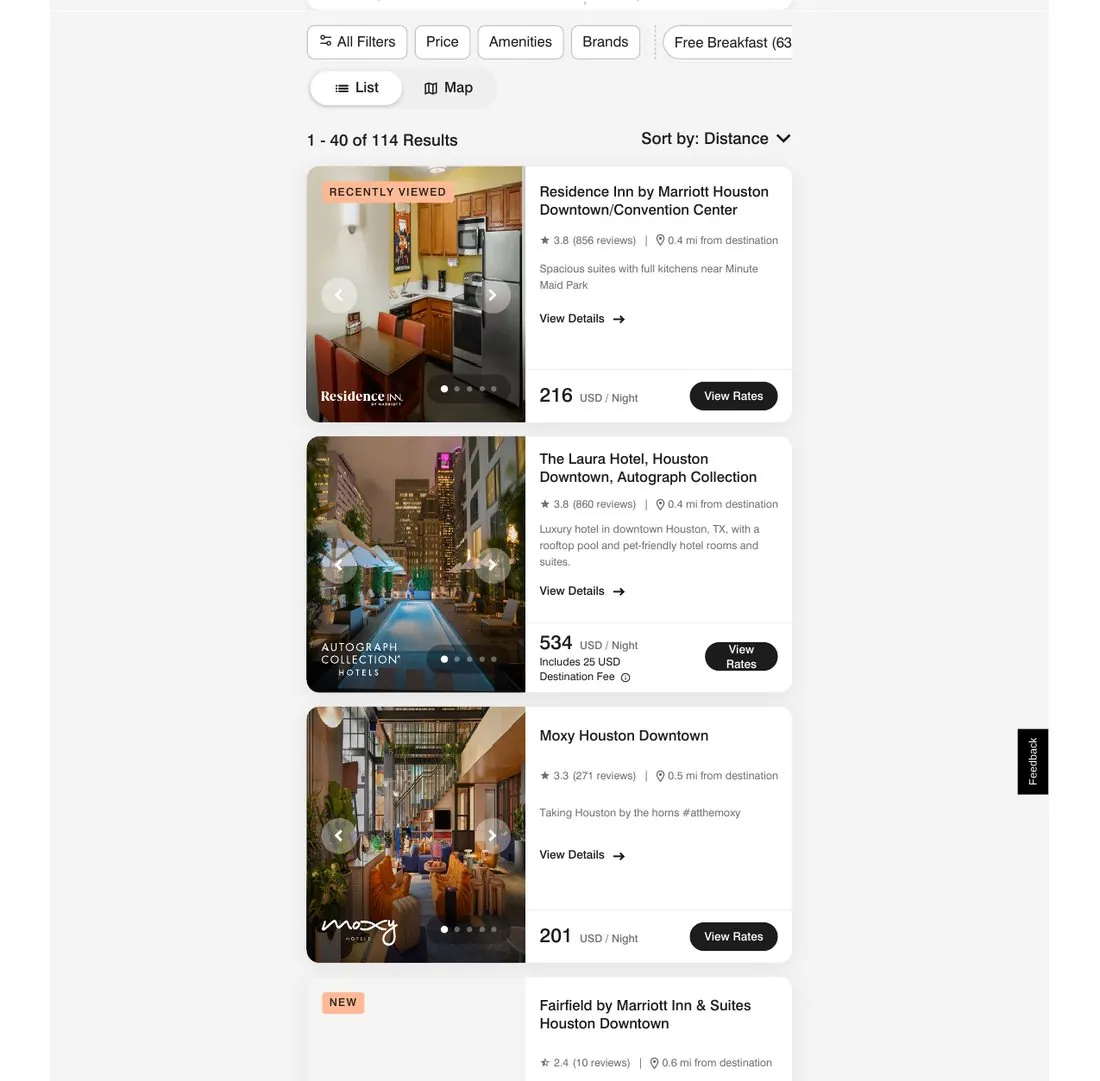
- Expand the rates: on the rates page (SELECT A ROOM AND RATE), expand the rate list for your room type and click
Rate Detailson the rate you want.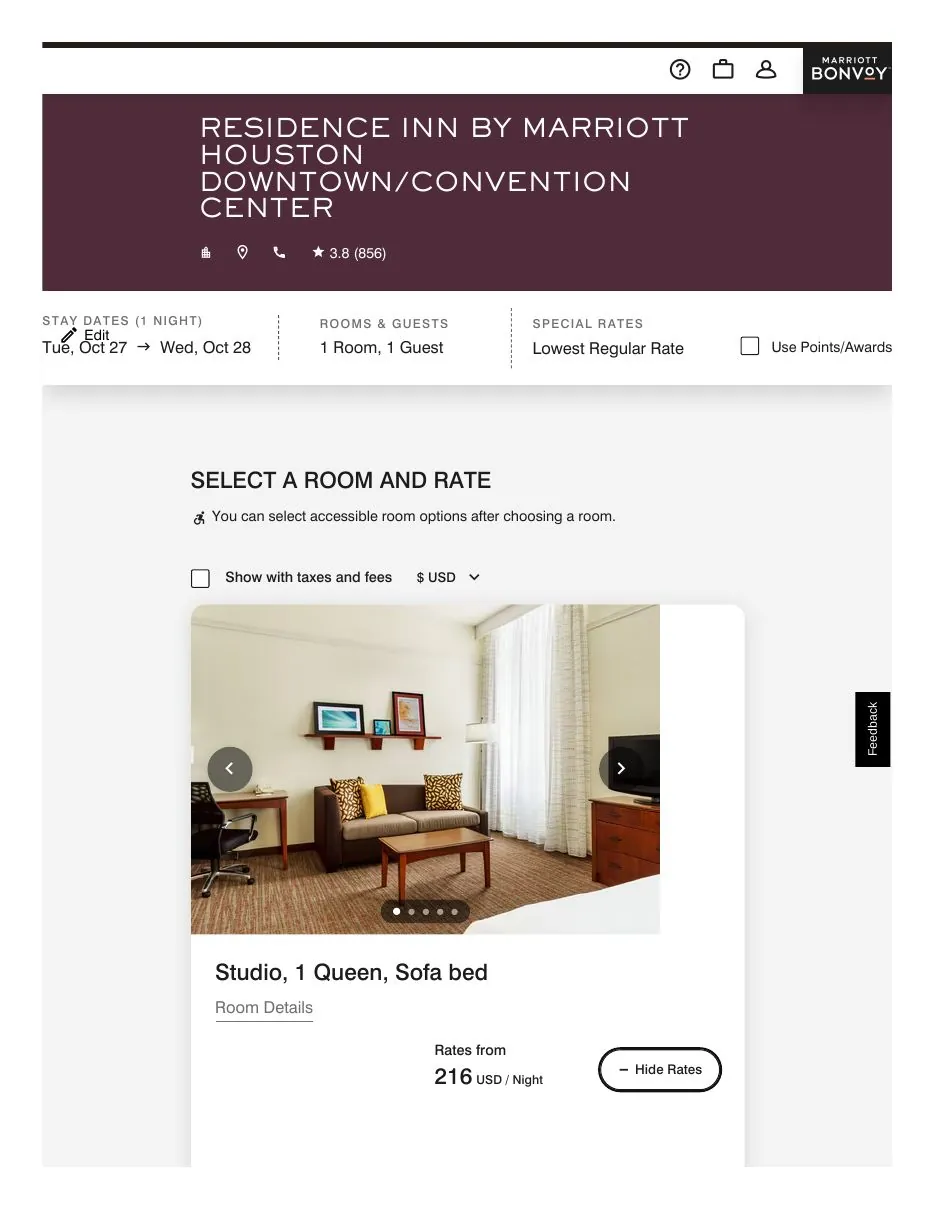
- Confirm it earns commission: in the Rate Details pop-up, the Additional Information must say
Commissionable Rate— only then is the rate commissionable. Member rates are judged the same way, rate by rate; never infer from the rate's name.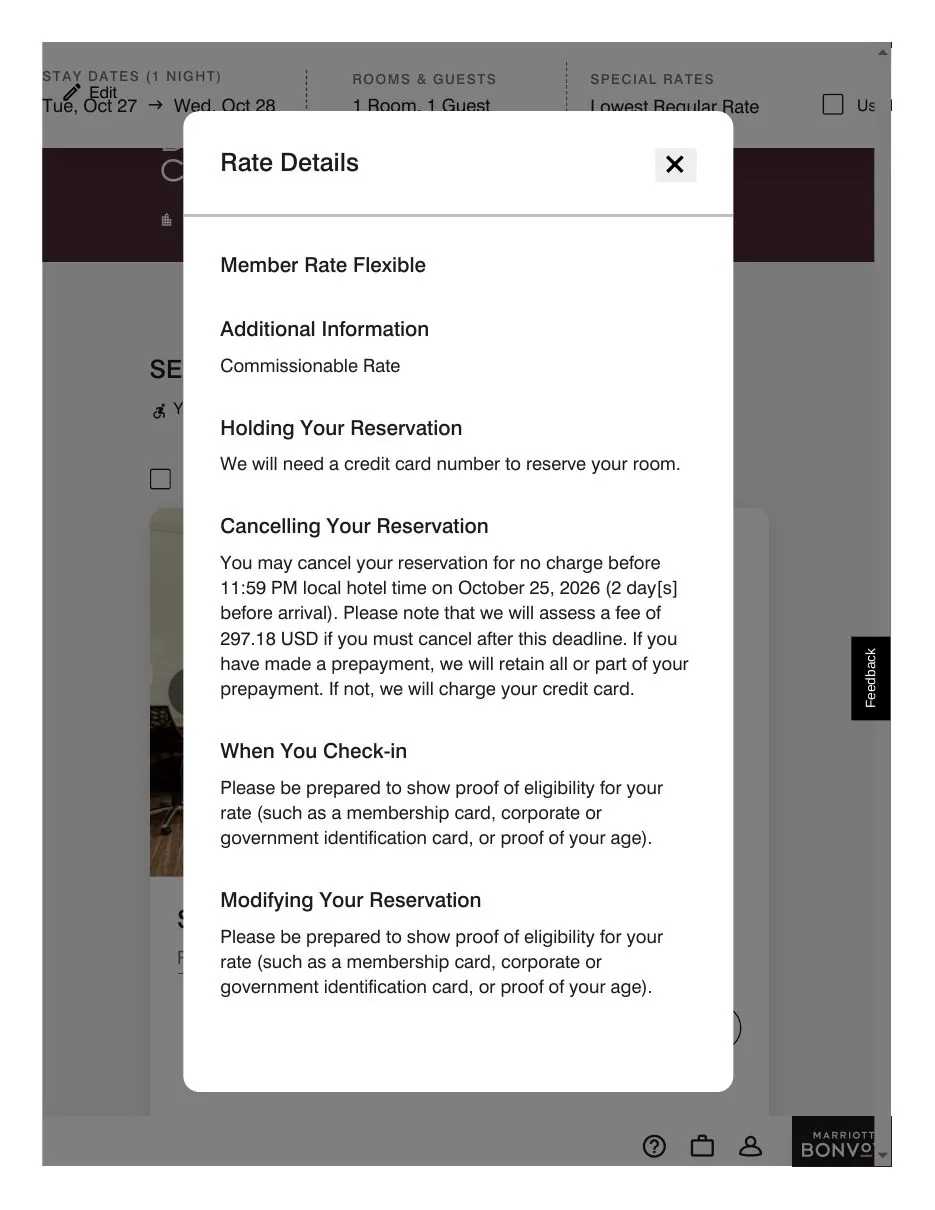
- Go to checkout: click
Selecton that rate — you land directly on the Complete Your Booking page (no sign-in needed).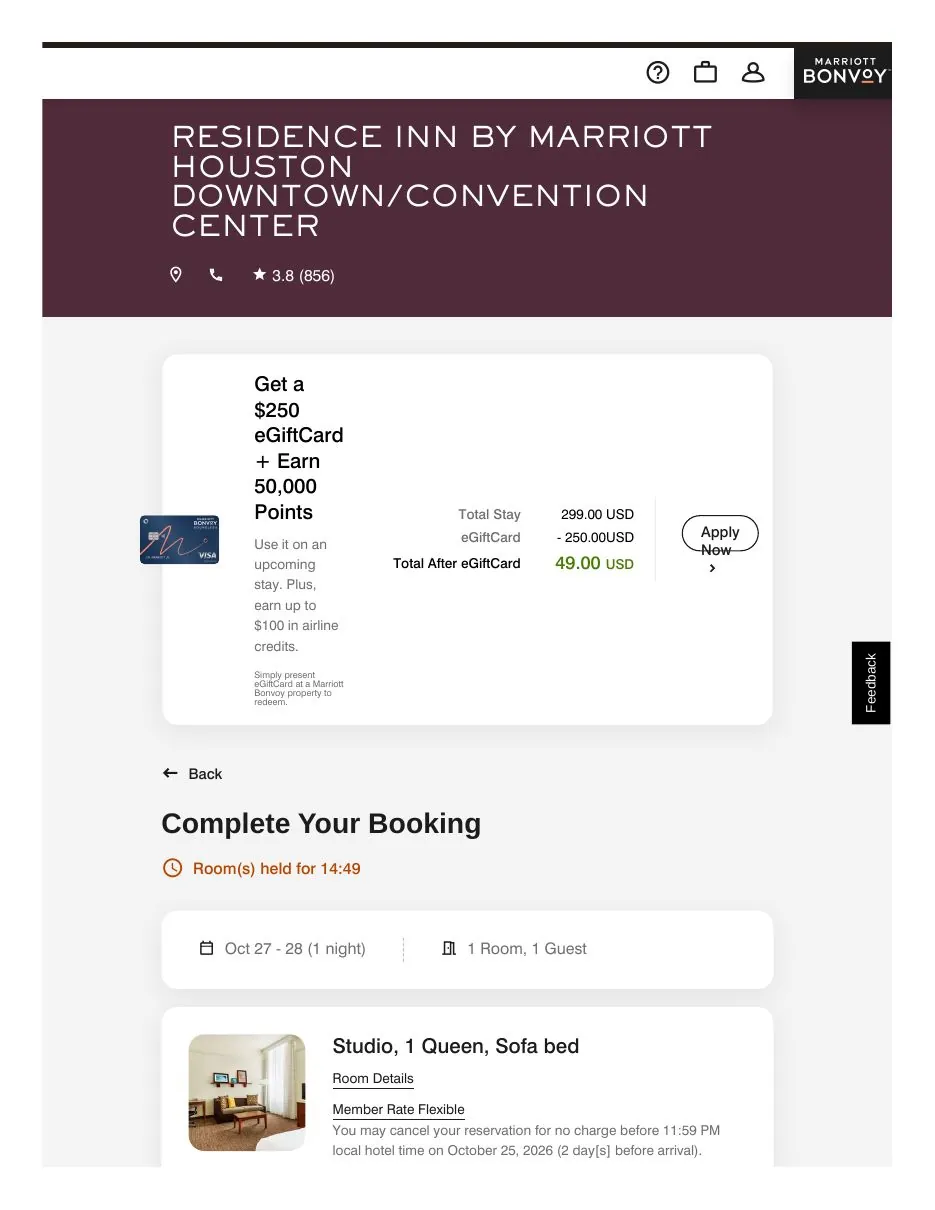
- Expand the travel-agent section: on the checkout page, find the collapsible
For Travel Agents and Advisorssection and expand it.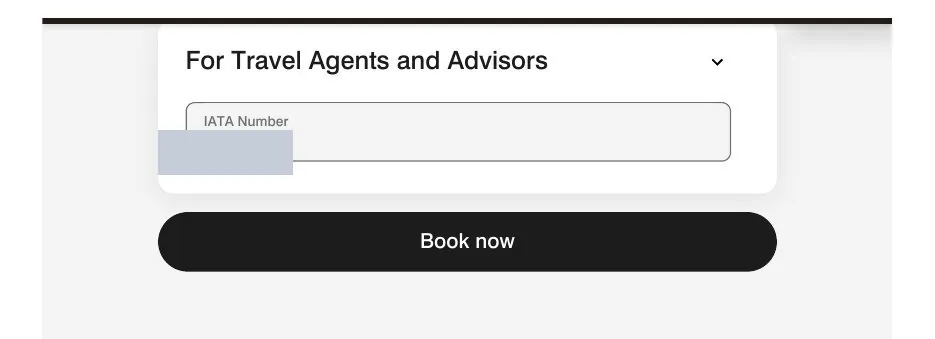
- Enter the IATA number: the section has a single field,
IATA Number— enter the agency number shown in your account. (Field position: see the step 5 screenshot.) - Stop and double-check before the last step: the
Book nowbutton sits right below the section — check everything once more, then click Book now to complete the booking. (Button position: see the step 5 screenshot.)
Whether a rate earns commission is determined by the hotel under its own rules for that rate. Terms §4.1